Living Systems · Internal lab

Media Asset Lab

Where we build Living Plates: real footage that barely moves, with halftone dots in code on top. Every plate here is a recipe you can copy onto a page.

01
Base
A real clip or still that barely moves. Cool, quiet, documentary. Clips loop by crossfade; stills drift slowly.
02
Dots
Halftone in code on the 5.51px grid. Traced live from a clip of white on black, or generated from noise with no video at all.
03
Loop
Nothing ever jumps. Clips crossfade into themselves or into the next clip. Code dots loop by construction.
New · Interactive

Search, evolve, learn

How Coframe works, as things to play with: testing, evolution, hill climbing, reinforcement learning and search. Every plate runs the real algorithm live, and plays itself when nobody touches it.

InteractiveMulti-armed banditThompson sampling
Traffic finds the winner
Hover a variant to see its true rate. Click one to make it the new winner.
Five variants and a stream of visitors. Each violin is what the algorithm believes a variant converts at, and it sends traffic by sampling from those beliefs. Bright dots are conversions. Change the winner and the traffic follows within seconds.
Use for: The core Coframe story: traffic moves to what works, on its own.
InteractiveGenetic algorithmEvolution
Evolve a variant
Click any tile to breed the next generation from it.
A population of dot glyphs mutates and crosses over toward a hidden target. The best two survive each generation and get a frame. Once one matches, the target changes and evolution starts again.
Use for: Iteration stories: many variants, each generation a little better.
InteractiveHill climbingAnnealing
Hill climbing, with heat
Move up to heat, down to cool. Click to drop a climber.
Climbers on a rugged ridge. Cold, they only step uphill and get stuck on small peaks. Heat them and they jump around and find the real summit. The flag marks the best point found so far.
Use for: Explore versus exploit, why small wins are not the ceiling.
InteractiveReinforcement learningQ-learning
Learn the way
Hover a cell to see the learned route. Click to move the goal.
An agent wanders a gridworld and learns from reward. Value spreads out from the goal like light, and each cell grows a dot pointing the best way to go. Move the goal and watch it unlearn and relearn.
Use for: Learning from outcomes, sections about AI that improves with traffic.
InteractiveParticle swarmOptimization
Swarm search
Move to hide the peak somewhere new. Click to scatter.
Agents that only know their own best and the swarm's best still find a hidden peak, here sitting under your cursor. The ring marks the best spot found.
Use for: Dark heroes, many agents working together.
InteractiveA* searchPathfinding
Search the maze
Hover to set the goal. Click to move the start.
A* expands outward from the start, favoring cells that look closer to the goal. Bright cells are the frontier, faint ones are explored, and the line is the path it found.
Use for: Search and discovery, finding the best path to a conversion.
InteractiveNeural networkClassifier
Train a network
Click to add points. Each click switches between solid and hollow.
A tiny neural network learns live to separate solid points from hollow ones. Denser dots mean more confident, and the bright line is its decision boundary. Add a point in the wrong place and watch the line bend.
Use for: Machine learning sections, personalization and prediction.
New · Easy effects

One still, one dot layer

No tracing and no animals. Each plate is a photo (or plain night) with one simple halftone layer drawn in code, on the same 5.51px grid as the rest of the system.

Still baseHomepage clouds
Clouds over a still
The halftone clouds from the homepage's before vs after section, kept to the sky over a still photo. The clouds reform as they drift, so a still never looks frozen.
Use for: Heroes and section openers with sky at the top.
Still baseHomepage clouds
Low cloud bank
Same clouds, slower and lower, rolling over the valley mist so the photo and the dots read as one weather system.
Use for: Wide bands behind short copy.
Still baseRiver
Halftone river
A meandering band of dots that flows along the bottom of the frame. Its banks breathe and the current never repeats.
Use for: Under a headline, or as a divider between sections.
Still baseFog
Ground fog
A low bank of mist that rolls sideways and slowly rises and settles. The softest effect here.
Use for: Calm pages, closing sections.
Still baseRain
Halftone rain
Rain with depth. Near drops are long, fast and bright, far ones short and faint. A gusting wind leans every streak together, and drops that land throw a small flattened splash.
Use for: Dark sections, product moments that need a quiet pulse.
Still baseGlint
Light glint
A soft diagonal sweep of dots crosses the photo every few seconds, like light catching it.
Use for: Cards and covers that need a hint of motion.
No photoRipples
Water ripples
Rings spread from one point on a flattened ellipse, so they read as a water surface. Dots only, on night.
Use for: Dark closing call to action, empty states.
No photoInterference
Wave interference
Two sources send out waves. Where crests meet they add up, where a crest meets a trough they cancel, so bright bands fan out between them and sweep as the sources slowly orbit.
Use for: Testing and optimization stories: two variants, one signal.
Still baseInterference
Interference over a still
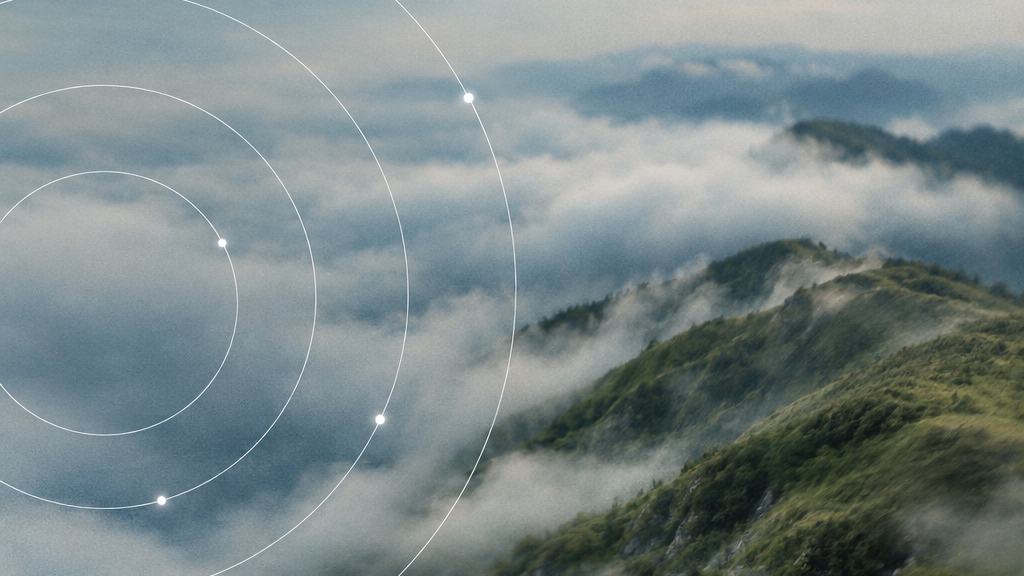
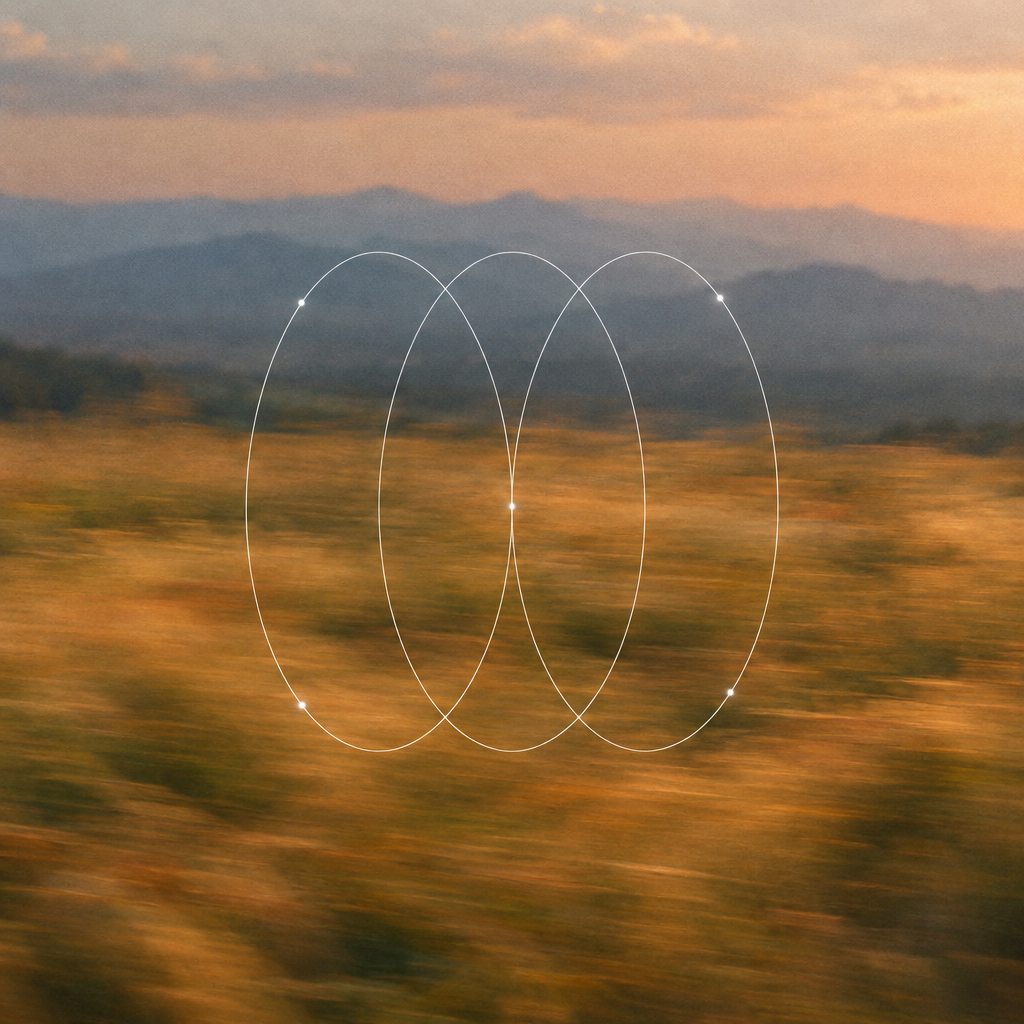
Three sources in the sky of the clean ridges cover. Three sources make a richer lattice than two, and the photo shows through wherever the waves cancel.
Use for: Covers and heroes that need a technical feel without a chart.
No photoSound
Standing waves
A Chladni plate: the still lines of a vibrating surface, like sand on a speaker. Every few seconds it shifts to the next tone and the pattern reorganizes.
Use for: Light sections, data and model explainers.
No photoVector field
Field lines
Lines of a field running from one charge to another, with pulses flowing along them. The charges drift, so the lines bend and re-route instead of sitting still.
Use for: Section openers about traffic, routing and flows.
No photoRiver
River at night
The river alone, wider and flowing right to left, on night. Pair it with a headline above.
Use for: Footers and dark bands.
Living Systems photoRiver
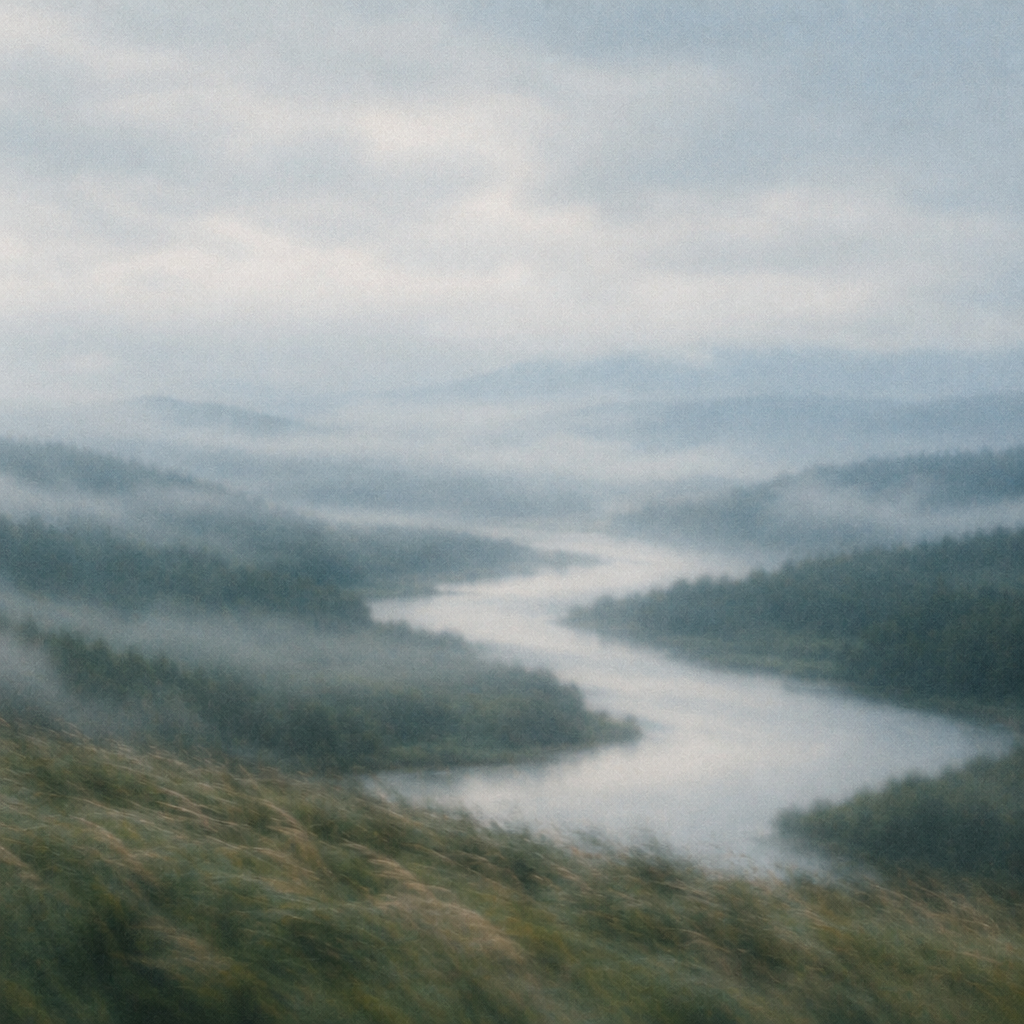
River through the valley
The halftone river laid along the real river in a misty valley, so the dots continue the water's path.
Use for: Heroes about flow and momentum.
Living Systems photoHomepage clouds
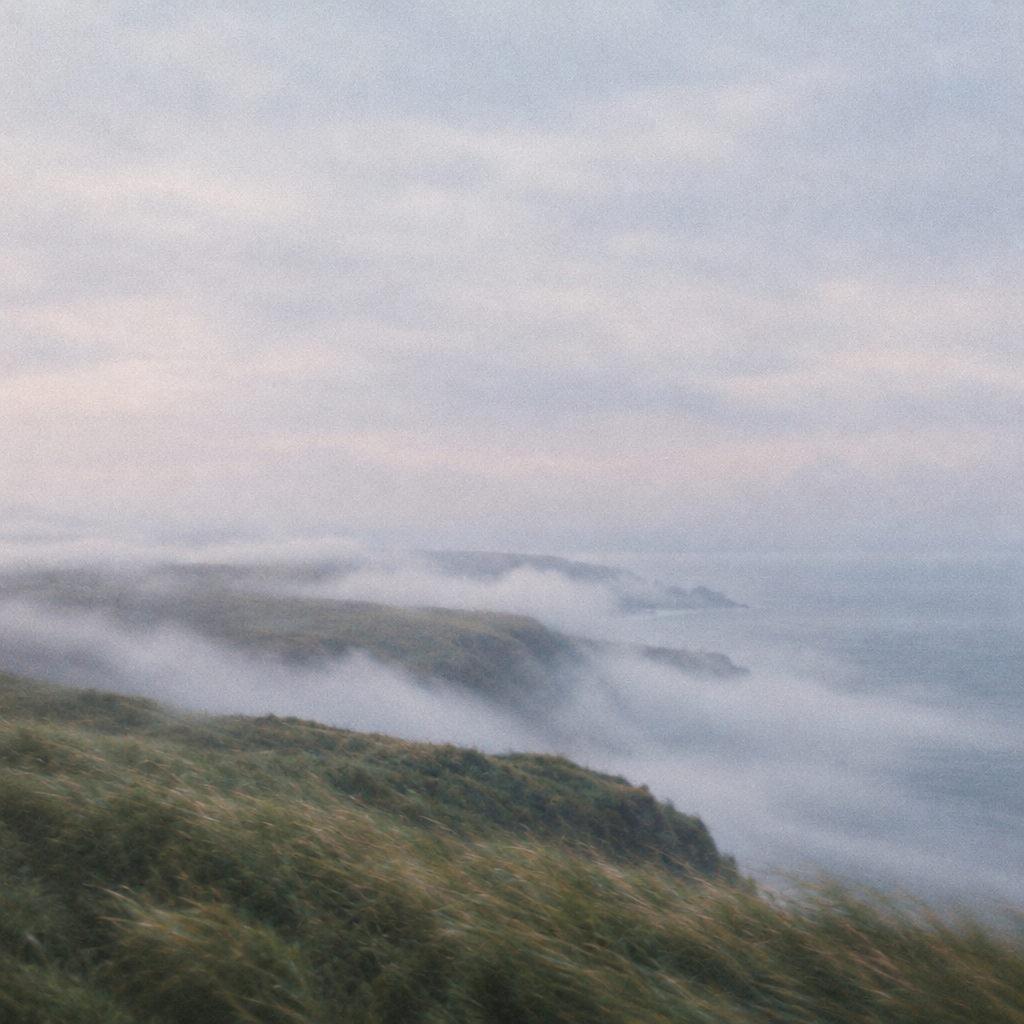
Clouds over the headland
Homepage clouds drifting through the open sky above a coastal cliff, blending into the sea fog.
Use for: Section openers with copy in the sky.
Living Systems photoRipples
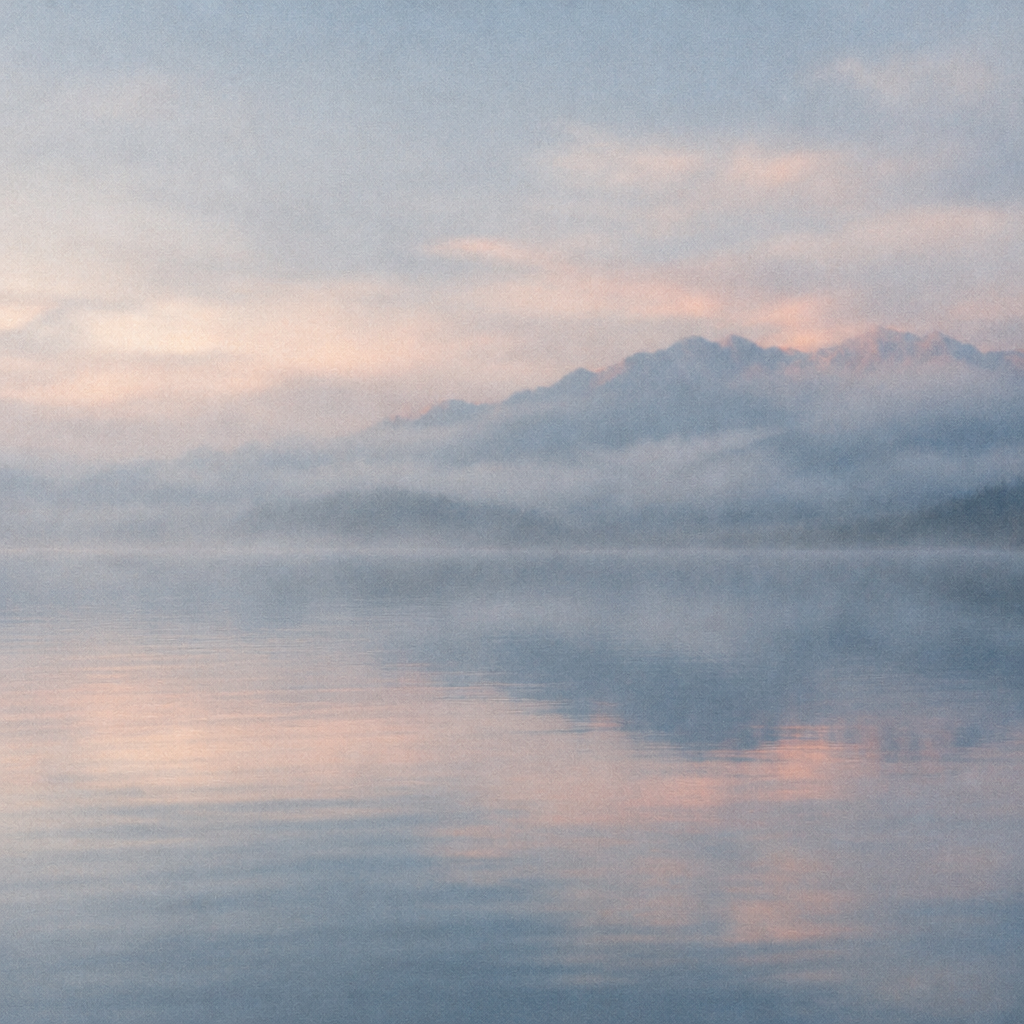
Ripples on the lake
Rings spread across a still lake at blue hour, flattened to match the water's perspective.
Use for: Calm dark sections and closing calls to action.
Living Systems photoRain
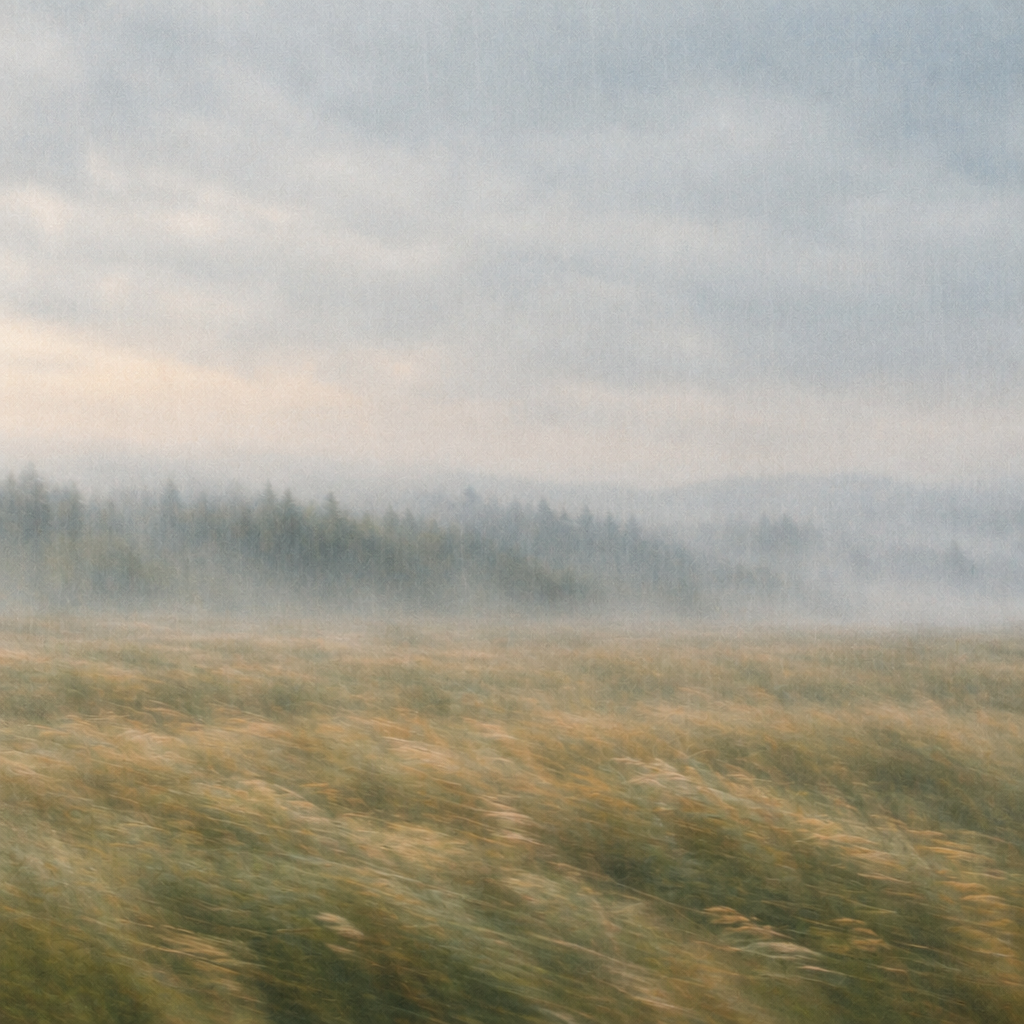
Rain over the meadow
Halftone rain falling into a meadow that is already soft with rain, so the dots read as part of the weather.
Use for: Quiet product moments.
Living Systems photoFog
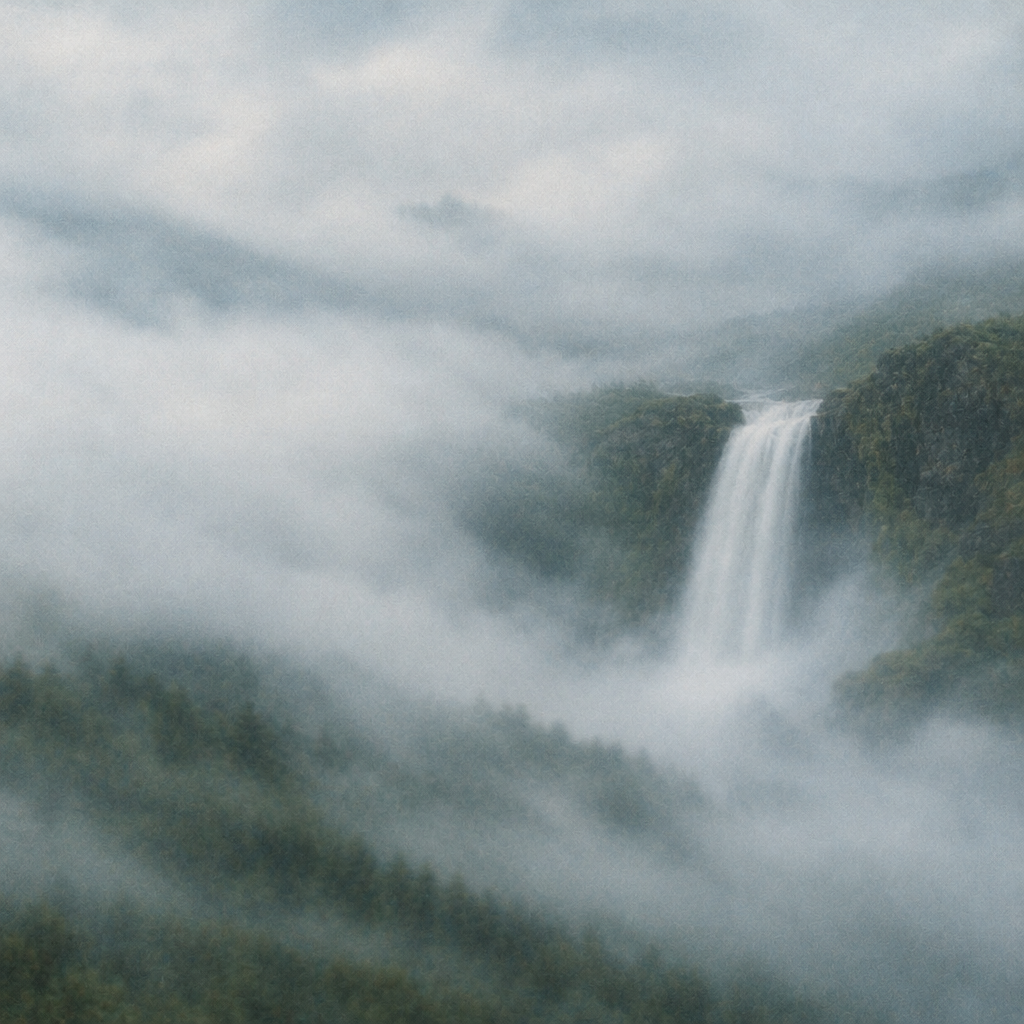
Mist at the falls
Ground fog rolling across the base of a waterfall, picking up the spray in the photo.
Use for: Soft closing sections.
Living Systems photoGlint
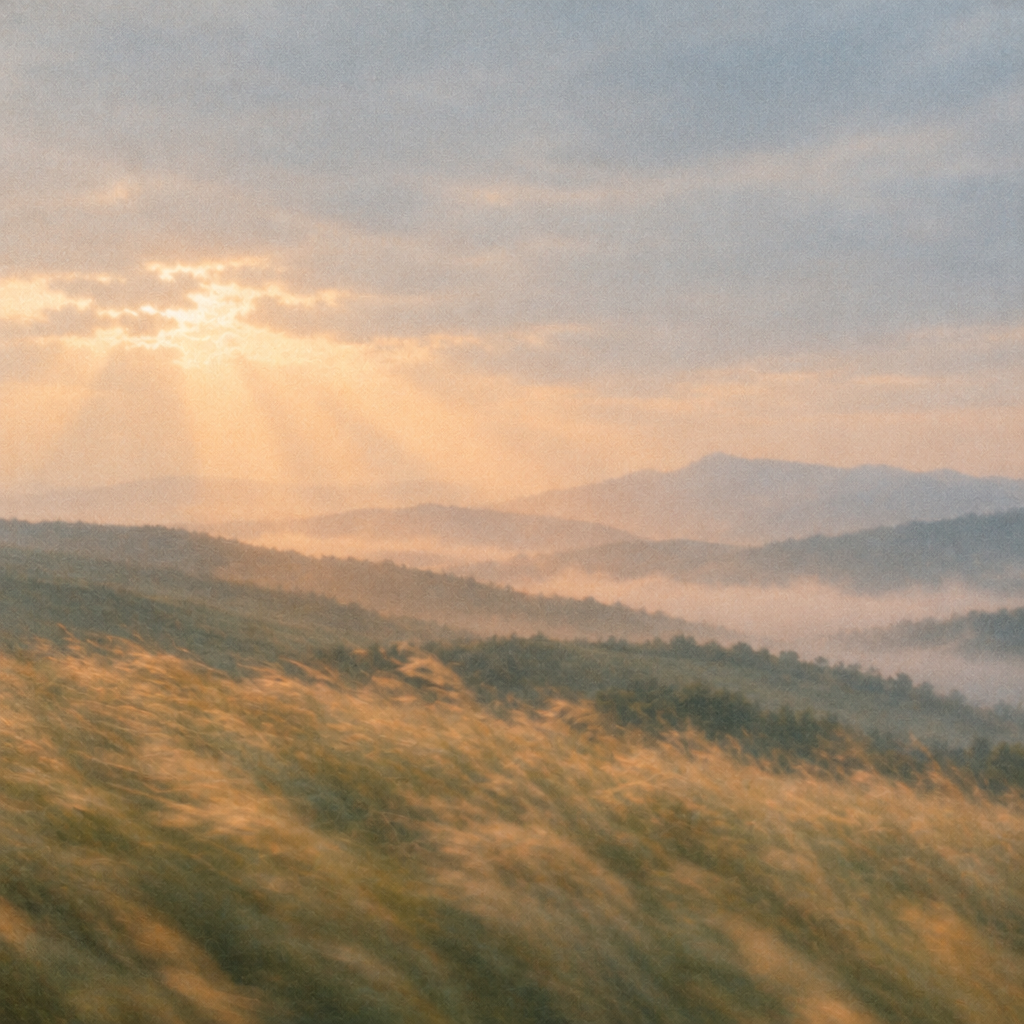
Light over the hills
The diagonal glint follows the light breaking through the clouds at dusk.
Use for: Covers and cards that need a hint of motion.
New · Math effects

Gradients, models and topology

Twelve ideas from optimization, machine learning and geometry, each drawn in code on the same 5.51px dot grid.

GradientsNo photoOptimization
Gradient descent
Contour lines of a loss landscape, with a dozen balls rolling downhill and leaving fading trails. Each one settles in a valley, rests, then starts again somewhere new. The valleys drift, so the search never ends.
Use for: Optimization stories: many variants searching, a few finding the low point.
GradientsNo photoTopology
Topographic contours
A slowly shifting terrain drawn as even contour lines, every fifth one heavier, like a survey map that breathes.
Use for: Light sections, data and research pages.
GradientsStill baseGradient
Gradient wash
No shapes, only a soft gradient of dot sizes drifting across the photo like light moving through a room. The quietest effect in the lab.
Use for: Behind body copy, or anywhere motion should barely register.
Machine learningNo photoGenerative
Diffusion denoise
Random dot noise settles into a picture, holds, then dissolves back into noise, the way a diffusion model works. The picture is the clouds and orbits cover; if the image can't be read, it falls back to a drawn sphere and orbit.
Use for: AI and generation stories, product reveals.
Machine learningPhoto baseSegments
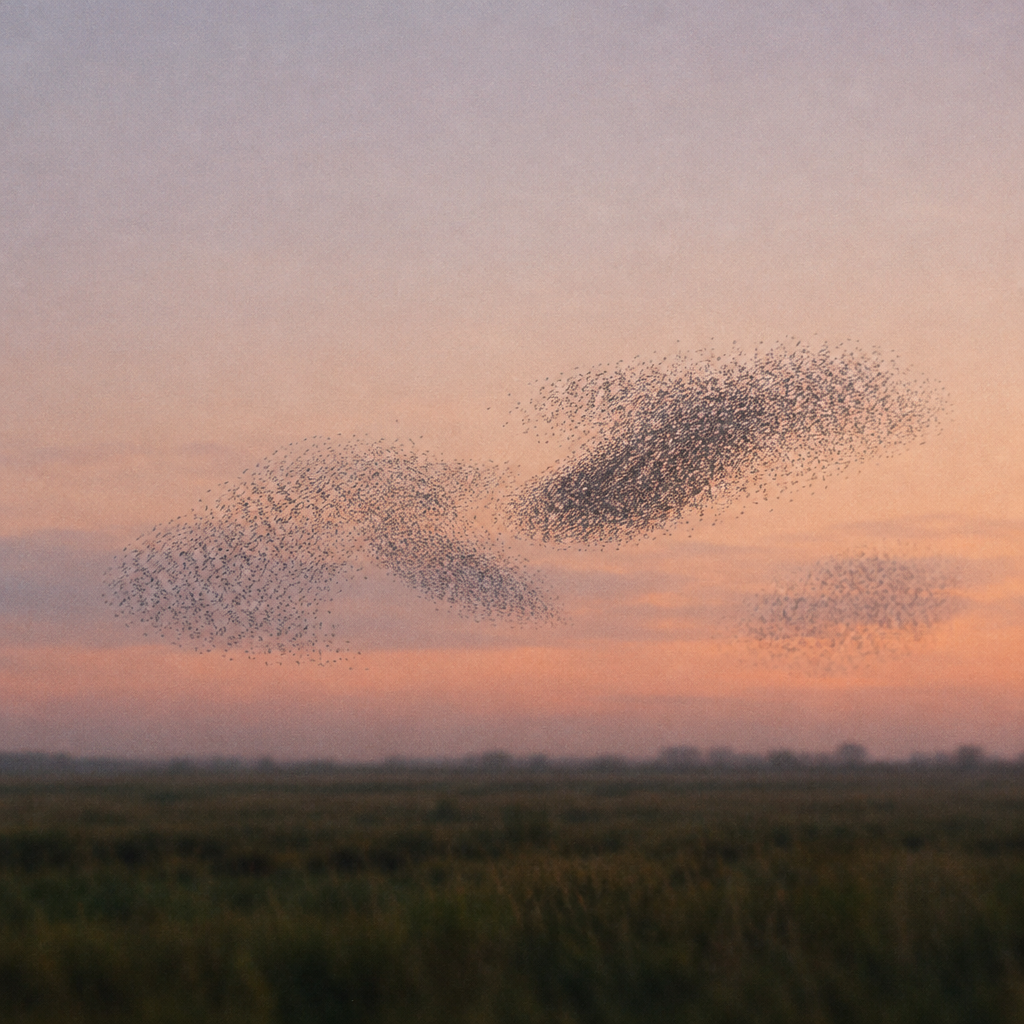
Clusters forming
A cloud of drifting dots sorts itself into two or three groups. A dotted ring marks each group while it holds, then they scatter and regroup somewhere else.
Use for: Segments, audiences and personalization. · Photo: Murmuration
Machine learningNo photoClassifier
Decision boundary
Solid and hollow points, and a line that learns to separate them. Points on the wrong side stay faint until the line catches up. Every so often the model resets and learns again.
Use for: Targeting and model explainers on light pages.
Machine learningNo photoNeural net
Network pulses
Five layers of nodes. Signals enter on the left, fire along the connections and light each node they reach.
Use for: How it works sections, platform and model pages.
Topology and fieldsNo photoFlow field
Wind map
Hundreds of short streamlines following a slowly changing flow, like a weather wind map. The full-frame cousin of River at night.
Use for: Heroes and dark bands, traffic and flow stories.
Topology and fieldsNo photo3D surface
Torus
A wireframe torus drawn in dots, tumbling slowly. Front edges are brighter than back edges, so it reads as a solid shape.
Use for: Pairs with the orbit and gyroscope line art on the covers.
Topology and fieldsNo photo3D surface
Möbius strip
A one-sided band with a half twist, drawn in dots and tumbling slowly. Follow the edge and you end up on the other side. Front edges are brighter, so the twist reads clearly.
Use for: Loops and continuous improvement, next to the torus.
Topology and fieldsNo photoChaos
Strange attractor
One trail tracing the Lorenz butterfly. It never takes the same path twice, and the view turns slowly so the wings shift.
Use for: Dark closing sections, research and data stories.
Topology and fieldsNo photoReaction-diffusion
Turing patterns
Spots that grow, divide and fill the plate like animal markings. Every few seconds a patch clears and regrows, so it never settles.
Use for: Organic moments, a link to the animal clips.
Topology and fieldsStill baseMosaic
Voronoi cells
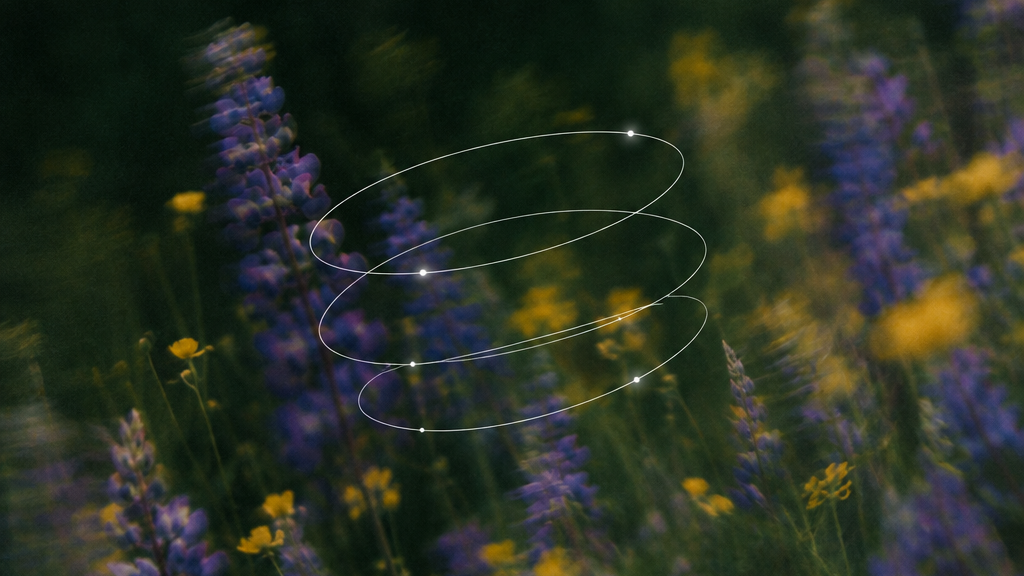
A slowly shifting mosaic of cells over the meadow cover, like cracked earth or a cell membrane. Each cell keeps a seed dot at its center.
Use for: Section openers, partitions and segments.
New · Interactive

Plates that answer the cursor

Move, drag or click on any of these. When nobody is touching one, a slow ghost cursor plays it, so it never sits still and phones still see it move.

InteractiveNo photoPlasma
Plasma lamp
Touch the glass to gather the filaments. Click for a surge.
A glass globe with a glowing core and flickering filaments that wander to the glass. Hover over it and the nearby filaments bend to your cursor and pool in a bright spot. A click sends every filament to you and the core flares.
Use for: Dark heroes and launch moments, anything about signal or energy.
InteractiveNo photoInterference
Ripple pool
Move to trail waves. Click for a big drop.
Every move drops a small wave source and a click drops a big one. Where two crests meet they add up, so the cursor's own trail makes the interference pattern.
Use for: Hero backgrounds on dark pages, testing stories.
InteractiveNo photoFlow field
Stir the flow
Drag through it to push. Click for a vortex.
The river at night as a whole field. Particles follow a slow current; the cursor shoves them aside and a click spins up an eddy that unwinds over a few seconds.
Use for: Dark bands and footers, traffic and flow stories.
InteractiveNo photoGradient descent
Drop a ball
Hover to preview the path. Click to drop a ball.
A loss landscape in contour lines. Hovering shows the steepest way down from where you are; a click drops a ball that rolls there with momentum, sometimes overshooting into a different valley.
Use for: Optimization and how it works sections.
InteractiveNo photoClustering
Live k-means
Hover to highlight a cluster. Click to add a centroid.
Points drift in hidden groups. Each click places a new centroid and the algorithm re-sorts the points live; the oldest centroid retires after five.
Use for: Segments, audiences and personalization.
InteractiveNo photoVector field
Iron filings
Move to drag the charge. Click to place + and - charges.
Short dashes line up with the field like filings on paper. The cursor carries a charge, and clicks pin new ones, alternating positive and negative.
Use for: Light sections about routing and signals.
InteractiveNo photoDisplacement
Halftone magnet
Move to push the dots. Click for a shockwave.
A drifting halftone print that bulges away from the cursor and piles up at the edge of the lens. A click sends a ring through the whole sheet.
Use for: Light heroes, playful empty states.
InteractiveHidden photoReveal
Flashlight
Move to light it. Click to flash the whole picture.
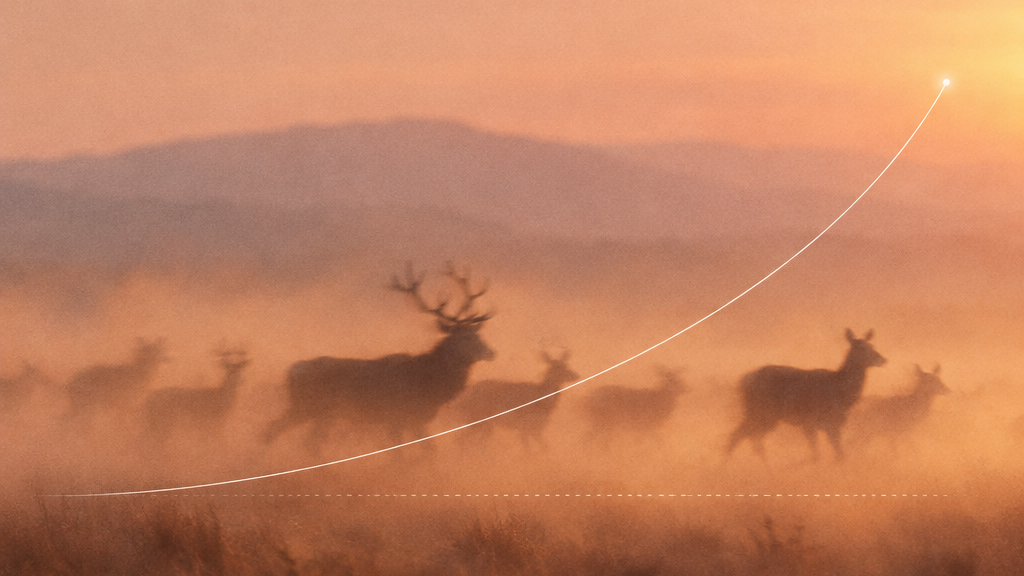
The herd cover is hidden in the dots. It shows only where the light has been, and the trail fades behind it. A click flashes the full picture for a moment.
Use for: Reveals, launches and teasers.
InteractiveStill baseReveal
Wipe the fog
Move to wipe. Click to clear a circle.
Fog dots over the clean ridges cover, like breath on glass. The cursor wipes a path through it and the fog slowly grows back.
Use for: Covers and heroes where the photo is the payoff.

Pipeline v3 · Echoes

The animal is filmed in the scene. Its dot clone is shifted in time.

One generated clip per plate, animal included, no halftone. Each clip has a matching matte: the same footage with everything but the animal turned black. Code reads the matte and redraws the animal as dots, moved back or forward in time, or across the frame.

Time-shifted twin 0.6s behind, drawn like the homepage hero: a fixed grid of about 215 columns, dots from a fifth to three quarters of a cell, one to three ragged voids stretched along the direction of travel that ride with the animal and open and close over about a second, crisp void edges, and a body that never fades out.

Heron over the misty lakeScene MOV-99 · Matte MOV-105
Horses across the steppeScene MOV-101 · Matte MOV-107
Manta in open waterScene MOV-100 · Matte MOV-106

Mattes are plain MP4s (animal on black), so they work in every browser, Safari included.

Pipeline v2

Real footage underneath. Dots made in code.

Each plate is two separate clips. The base is plain footage with no animals and no halftone. The animal is its own clip, cut out with background removal, and the dots are traced from that cutout on the 5.51px grid.

Manta over open waterBase MOV-92 (1s to 6.5s) · Cutout MOV-95 from MOV-89
Heron over the misty lakeBase MOV-94 (1s to 6.5s) · Cutout MOV-96 from MOV-90
Horses across the steppeBase MOV-98 (1.5s to 6s) · Cutout MOV-97 from MOV-91

Transparent WebM cutouts work in Chrome, Edge and Firefox. Safari ignores the alpha channel, so production needs a separate grayscale matte clip for Safari.

01 · Workbench

Build a plate

Pick a base and a dot layer, then tune how they meet. The recipe below updates as you go and drops straight into a page.

Base
Dot layer
Dot color
Blend
Mirror the clip
Grid 5.51px · dots 0.45px to half a cell · MOV-82, self-crossfade · MOV-81 traced live
<LivingPlate
  base={{ kind: "loop", clips: [MAL_MEDIA.forest], fade: 1.2 }}
  overlays={[
    { mode: "trace", src: MAL_TRACE.wisps.src, fit: "cover", flip: true,
      color: "#FFFFFF", opacity: 0.6, blend: "screen" }
  ]}
/>
02 · Presets

Plates we have made

Each one is a saved recipe. Start from the closest one, then change one layer at a time in the workbench.

Clip baseTraced wispsSelf-crossfade
Forest mist
The real mist flows right to left, so the traced wisps (MOV-81) are mirrored to drift the same way. Two kinds of cloud, one motion.
Use for: Hero or a full-bleed band behind short copy.
Still baseCode cloudsTraced birds
Ridge flock
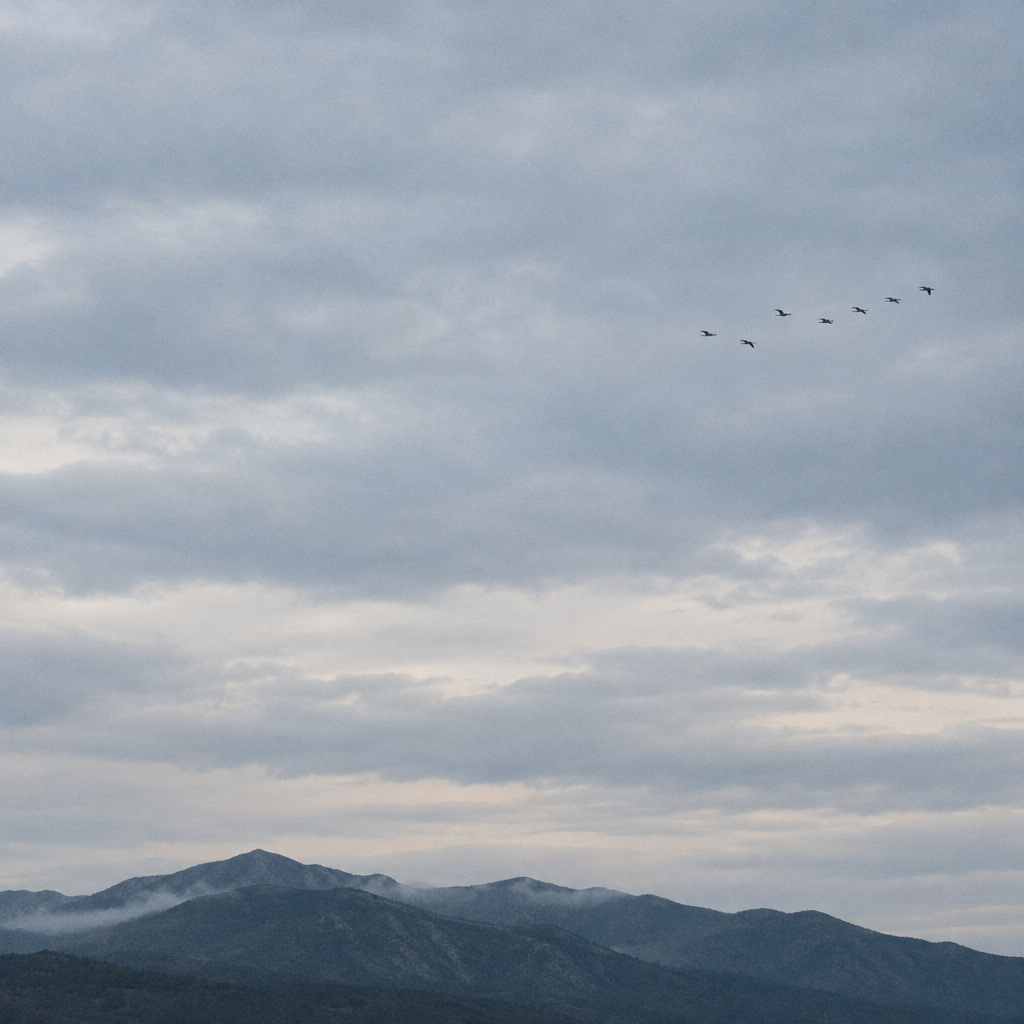
A still photo, so the motion comes from a slow drift, a code cloud bank in the sky and a flock of ink dots crossing it.
Use for: Section openers on light pages, empty sky for a headline.
No photoTraced dolphinsCode mist
Night water
Dots only. Dolphins traced live at 1.75x over a low bank of sky-colored mist that drifts the other way.
Use for: Dark sections and the closing call to action.
Clip sequenceCode cloudsSequence crossfade
Hero sequence
The homepage hero's handoff between cheetah, horse and dolphin, with one code cloud bank across the top. The clips change and the dots never do, which ties the sequence together.
Use for: Homepage-style heroes with several clips.
03 · Rules

Every video loops or hands off

No video on a page should ever visibly restart. These are the only three ways we loop.

Forest mist
Self-crossfade
One clip loops into itself. Over its last second a second copy starts from frame 0 on top and fades in, so the cut is never seen. Works for any clip with a locked camera. The homepage animals loop this way.
Hero sequence
Sequence crossfade
Several clips hand off to each other, like the homepage hero. Use it when one clip has a clear start and end, such as mist that has cleared by the last frame.
Code clouds
Loops by construction
Code dots need no trick. The noise field is periodic and scrolls exactly one period per loop, so the last frame is the first frame. Traced dots inherit their clip's crossfade.
Avoid
Not used: ping-pong
Browsers cannot play video backwards smoothly, so forward then reverse needs a second, reversed file. Prefer a crossfade.
Decision
Dots in code, baked only when we must
On pages the halftone stays a code layer over the video. It is sharp at any size, sits exactly on the 5.51px grid at every screen width, can be recolored or turned off per section, and costs no extra video bytes. The base clip stays an ordinary video the browser can decode cheaply.
Bake the dots into the video only where JavaScript cannot run: ads, social posts, email. That export renders the same recipe frame by frame, so the baked file matches the page.
Generating base clips
Locked camera, motion across the frame, 8 seconds. Ask for a timelapse: asking for an almost still shot gives a frozen clip.
Generating trace clips
White subject on pure black, crossing the frame and filling the middle third. No empty opening second, nothing else in frame.
Generating stills
Cool, muted, documentary, with large calm areas of sky. The drift and the dots supply the motion.